Here’s what happens to a ticket.
Read the request. Find the relevant knowledge. Check what’s allowed. Answer or act—and show the work.
Illustrative workflow, not a customer record. The same process supports product questions, troubleshooting and account requests. Explore more examples →
Find evidence.
Not just matching words.
- 01Understand
What does the customer need?
Read the intent, language, conversation and relevant account context. Choose a procedure, clarify an ambiguous request or identify a case for a person.
- 02Find & rank
Which information applies?
Search approved sources, then rank and filter the results. The system can combine meaning, exact terms, linked information, procedures and relevant past resolutions.
- 03Verify
Does it support the answer?
Check that the evidence addresses this request. If it does not, search again, ask for missing information or hand over. A plausible paragraph is not enough.
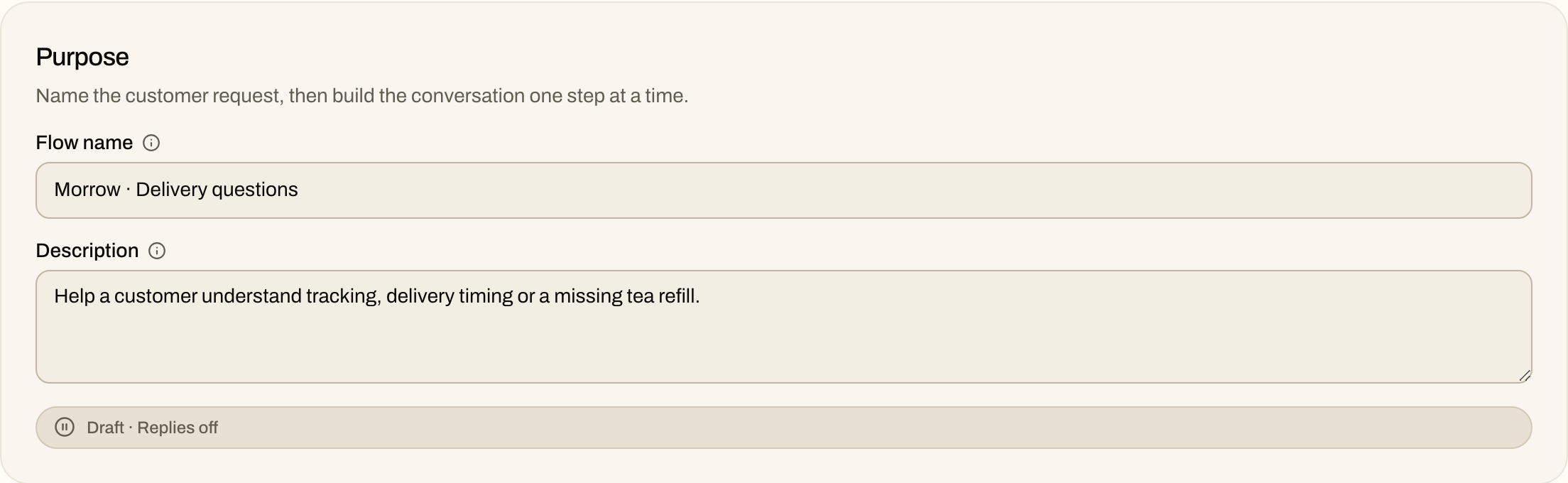
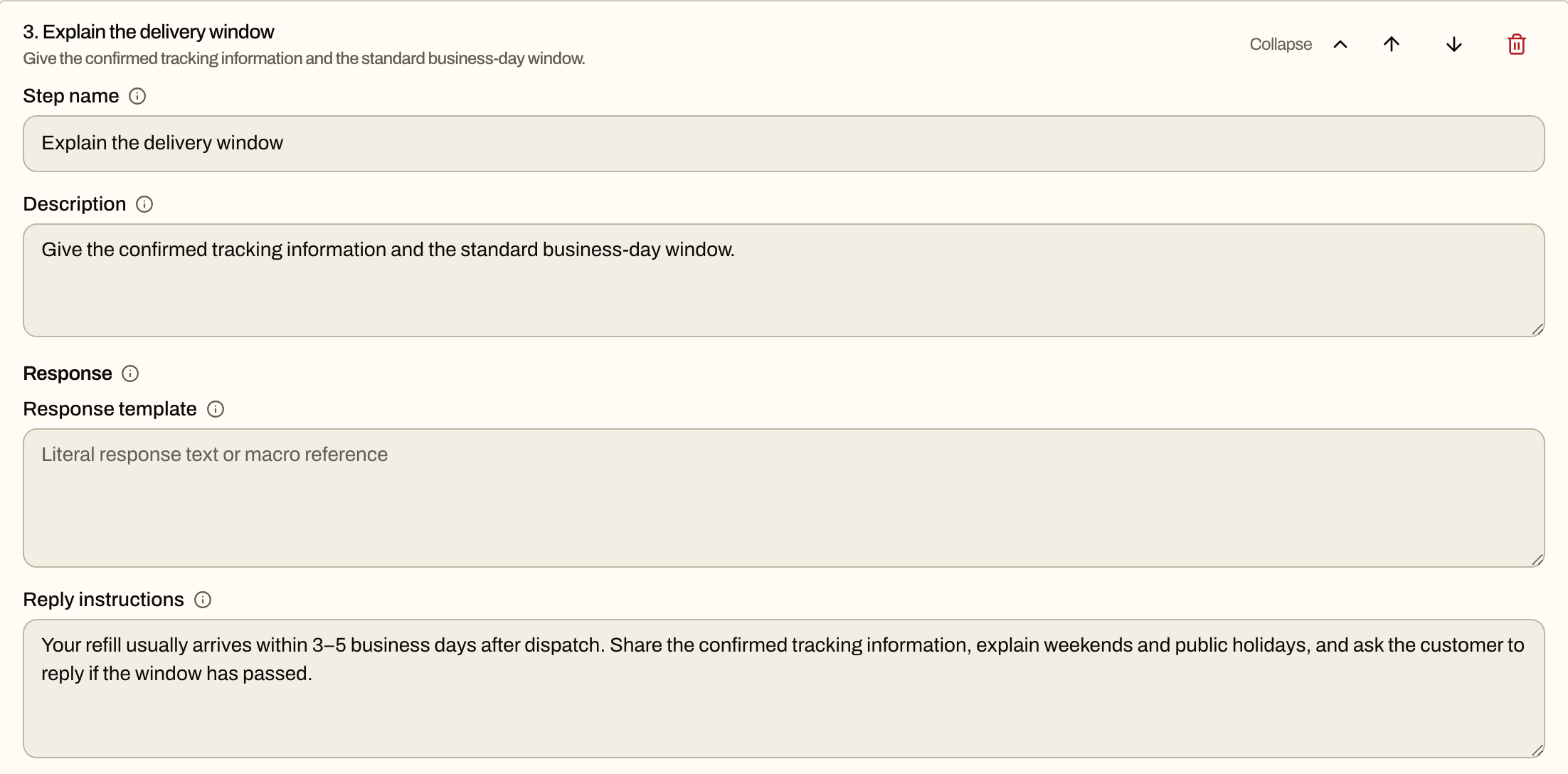
Existing Morrow Club demo configuration. Inspect the named step while this draft has customer replies off.
Where does RAG fit?
Retrieval-augmented generation (RAG) means finding relevant information before generating an answer. Pronomy adds context, evidence ranking and verification around that step, then connects it to procedures and permitted actions. Not every search method runs on every message.
What happens when our knowledge changes?
Connected sources can be refreshed. Safeguards help prevent a broken or incomplete update from replacing useful knowledge. Source support and refresh timing depend on the connection. Policy text can also become a workflow draft for your team to review before publishing.
Understands the request.Still follows your rules.
A product question may need a clear explanation, not an account change. Troubleshooting may need another detail. A refund needs permission and a result from billing. Your flows connect the conversation to the right next step.
Act within an agreed boundary
Use conditions, approval limits and connected tools. Available actions depend on the integration and your configuration. Reading an account does not mean permission to change it.
Hand over with the context
Escalation can use policy topics, explicit phrases, conversation context and workflow state. It is not just a keyword list. Suggested escalation rules are reviewed before being saved.
Check the result, not the promise
An attempted action and a completed action are different. Scorecards check promised work against system evidence. A failed action must not become a successful-sounding reply.
You set the support rules.We do the model homework.
You do not have to pick a model for every task. We evaluate and manage the mix for understanding requests, finding information, drafting responses and checking quality.
Your team decides
- Policies, approved actions and limits
- Tone, language and terminology
- Knowledge sources and human handoff rules
Pronomy manages
- Model evaluation and task selection
- Search, coordination between steps and fallbacks
- Quality, consistency, language performance, speed and cost tradeoffs
Different tasks can use different models. We evaluate them against support needs, not a promise that one model is best at everything.
Keep the difficult ticket.Make it a test.
Important conversations can become reusable test cases. Compare a proposed change with current behavior before expanding the rollout.
- 01 / OBSERVE
Find the failure
Identify a missing policy, weak answer, wrong action or recurring escalation.
- 02 / REPLAY
Preserve the case
Keep the conversation as a test. Check what the current configuration does.
- 03 / COMPARE
Test the change
Compare the proposed behavior and check cases that already work.
- 04 / REVIEW
Approve the next step
Review suggested flows and rules before publishing them. Then check real outcomes.
What can we investigate when something goes wrong?
The decision record connects the interpreted intent, selected workflow, supporting knowledge, model steps, attempted actions, escalation and delivered response. Your team can distinguish an action that failed from one that never ran.
Bring the ticket.
We'll explain the work.
Book a demo with Oleksii. Bring an anonymized example and the rule behind it. We'll discuss what the agent needs to know, what it may change and where your team takes over.